One place for every quote, booking and passenger list
A customer portal for Fliteline, an air charter broker, built on the system that already runs its operations. A customer chooses a quote, follows a booking sector by sector and sends passenger lists without an email thread.
- Client
- Fliteline
- Built
- Customer portal
- Connected to
- Their operations system
- Where it stands
- Releasing in 2026
A charter booking runs on detail, and the detail lived in email.
The problem. An air charter booking is sectors, timings, passengers, baggage, permits and invoices, and it keeps changing until the aircraft is on blocks. For a customer, most of it arrived as emails and attachments, and every change meant another message to Fliteline's team.
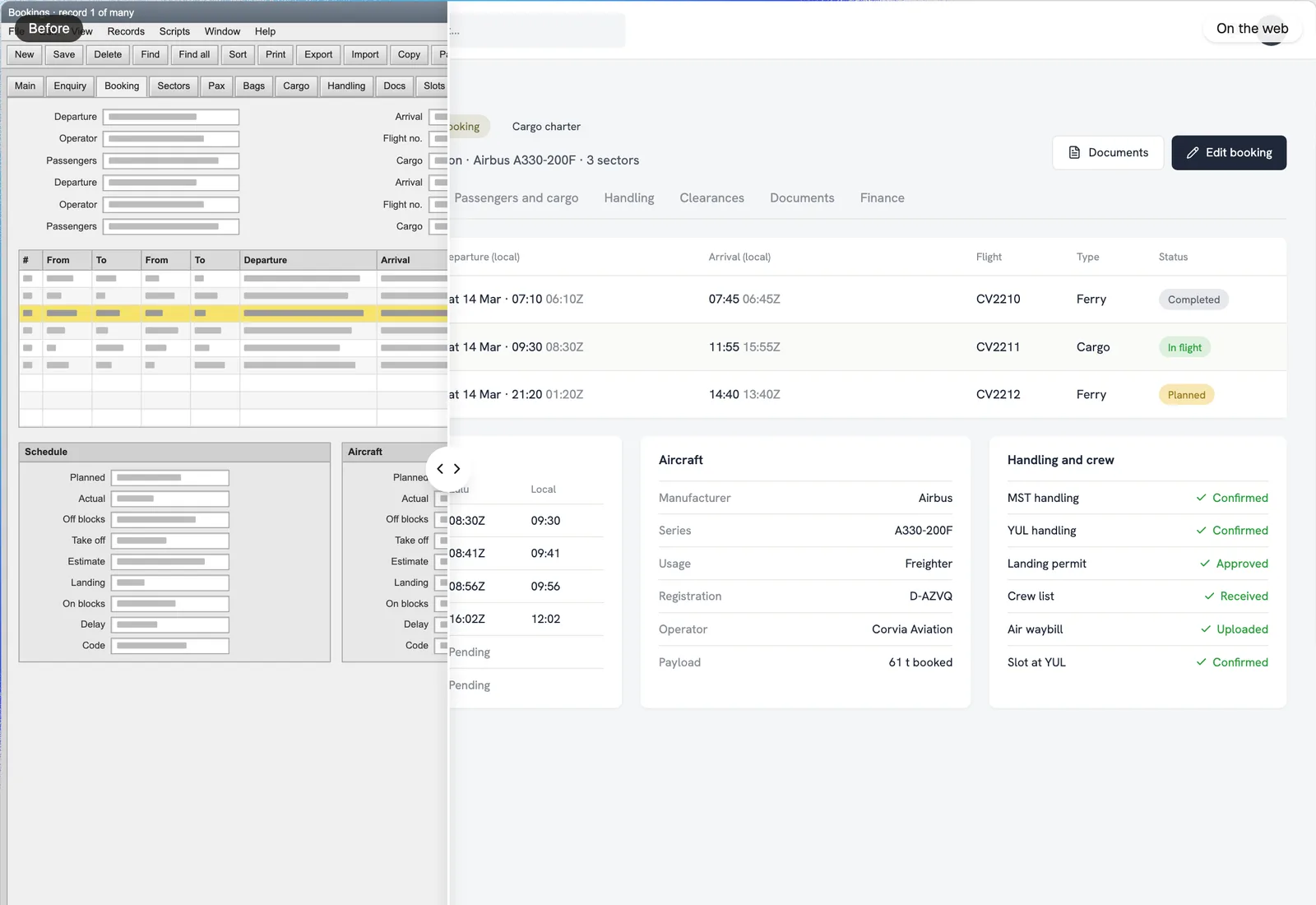
The approach. Fliteline's team and ours built a portal on top of the system Fliteline already runs on. Quotes, bookings and documents come straight from operations, so a customer sees what the team sees, and what a customer sends lands where the team works.
Fliteline's customer portal, rebuilt with invented data: a booking dossier with four sectors on a line, the second one in flight, its schedule and its documents.
Quotes, side by side
Every option with its aircraft, operator and price, chosen in the portal.
Bookings as an operation
Each sector with its status, its live timings and its documents.
Lists in one place
Passengers, baggage and cargo, typed in or uploaded from a template.
From the quote to the last sector, in one place.
The portal's screens, rebuilt with invented data: quote options with one being chosen, a booking's sectors, its live schedule, a passenger list being completed, and the booking's documents.
Choose a quote in the portal
Each option shows the route, the aircraft, the operator and the price. The customer ticks the one they want and sends it, and the charter agreement that follows is signed in the portal too.
Follow the booking sector by sector
A multi-city charter is several flights. Each sector has its own card, its status and its times, so the customer can see which leg is flying and which comes next.
Timings as they happen
Off blocks, take off and the estimated arrival come from Fliteline's operations as the team records them, in Zulu and local time.
Passenger lists without the chase
Customers fill in or upload the passenger list for each sector from Fliteline's template. The count shows what is missing, and the list is marked complete when it is.
Every document with its booking
The charter agreement, invoices, permits and manifests sit with the sector they belong to, ready to download.
What the portal does
Built with Next.js on Supabase, connected to the system that runs Fliteline's operations, and shaped through Fliteline's own rounds of feedback.
- Quote requests in a structure: route, dates, passengers, baggage and cargo
- Quote options side by side, chosen in the portal
- Charter agreements signed online
- Bookings by sector, with status, live timings and documents
- Passenger, baggage and cargo lists, typed in or uploaded from a template
- Invoices and documents to download
- A dashboard of upcoming flights and recent documents
- Company accounts with their own users and roles
Where it stands
The portal is built and has been through Fliteline's feedback rounds, from the dashboard's tabs to time zones and units. Fliteline releases it to its customers before the end of 2026.
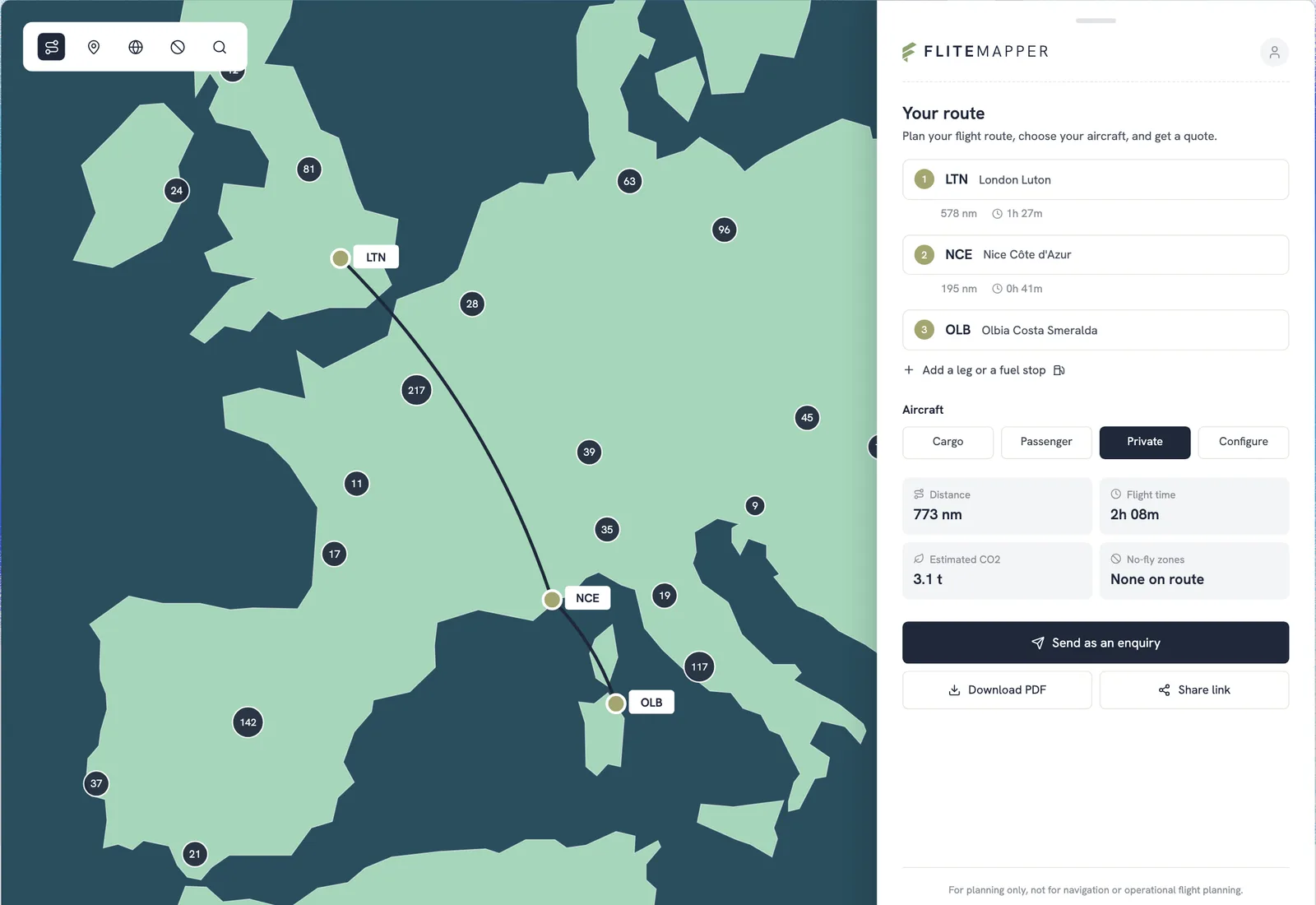
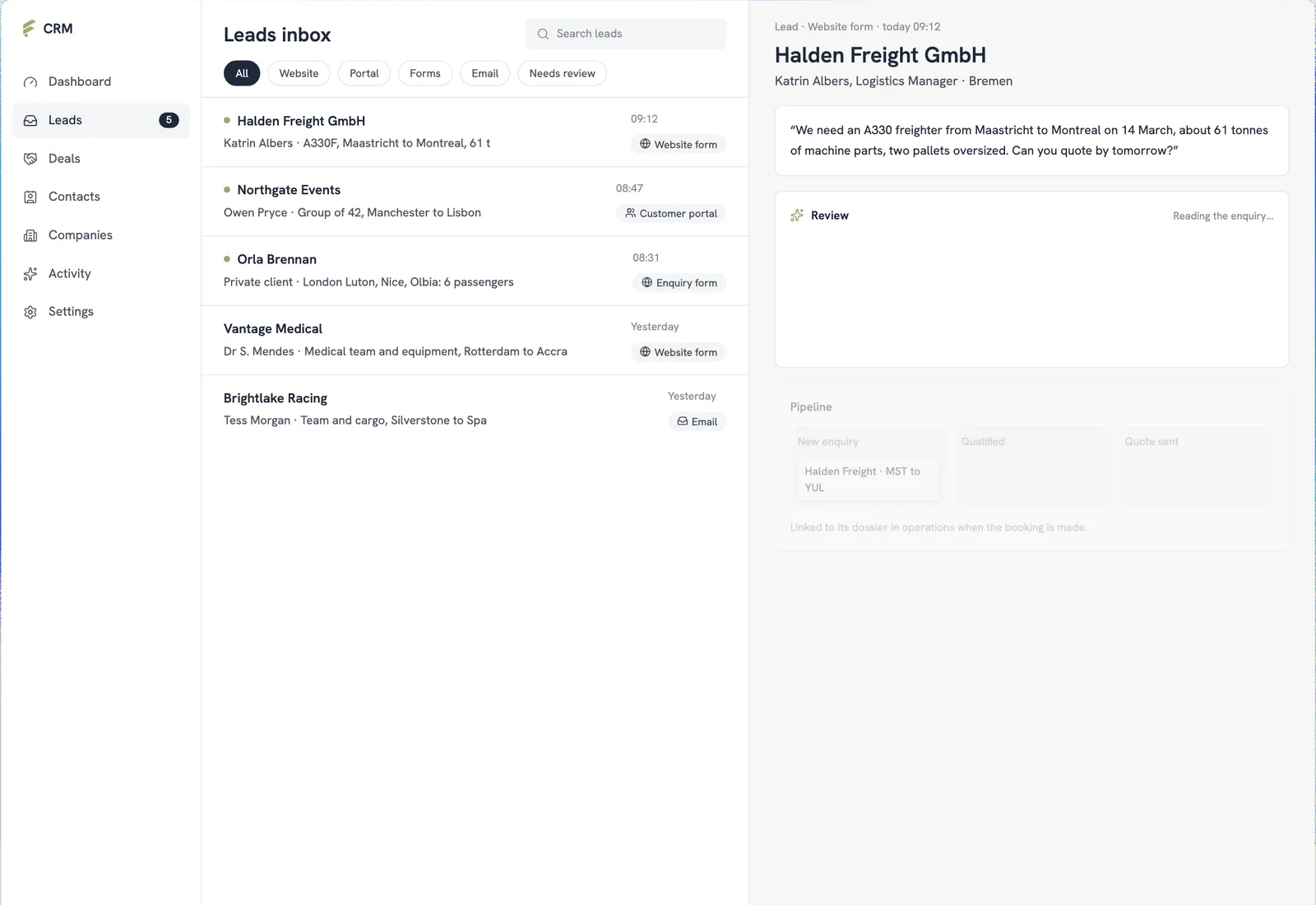
It sits beside FliteMapper, Fliteline's free route planner, and Fliteline's own CRM: the planner for working out a route, the CRM for a new enquiry, and the portal for everything after a customer says yes.
What we used
- Next.jsThe portal itself
- SupabaseSign-in, company accounts and the portal's own records
- FileMakerFliteline's operations: quotes, bookings and documents come from here
- VercelHosting, with a preview of every change
- PostHogHow customers use it, to decide what to improve next