Moving a charter business off FileMaker, one module at a time
Fliteline's operations have run on one FileMaker system for about 14 years: enquiries, quotes, bookings, the links to finance and the aviation data behind every flight. We have looked after it for more than five years. Now Fliteline's team and ours are rebuilding it for the web, module by module, while the business keeps running.
- Client
- Fliteline
- Built
- Operations, on the web
- Moving from
- FileMaker, about 14 years old
- Where it stands
- In build
The system that runs the business had outgrown the way it was built.
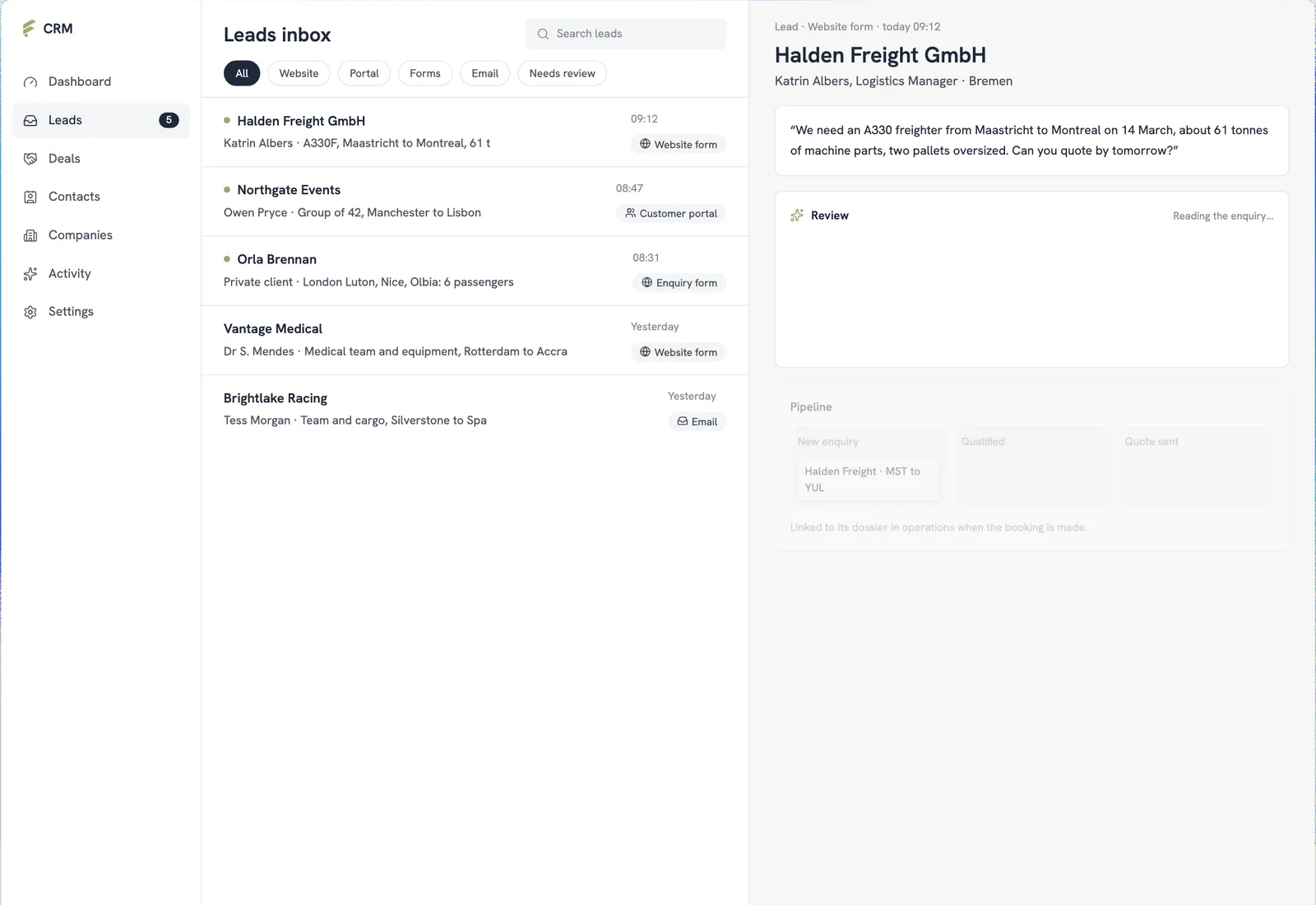
The problem. Everything Fliteline does runs through one FileMaker system, built up over about 14 years. It works, and it is dense. And like many FileMaker systems, it depends on finding developers who know the platform and the business behind it, and it is hard to open up to customers and other tools.
The approach. We took the system on rather than replacing it, and kept improving it while the business ran on it. With what that taught us, Fliteline's team and ours are rebuilding it for the web one module at a time: each designed as a clickable prototype, signed off by the people who will use it, then built, with the whole system moving across in one cut-over.
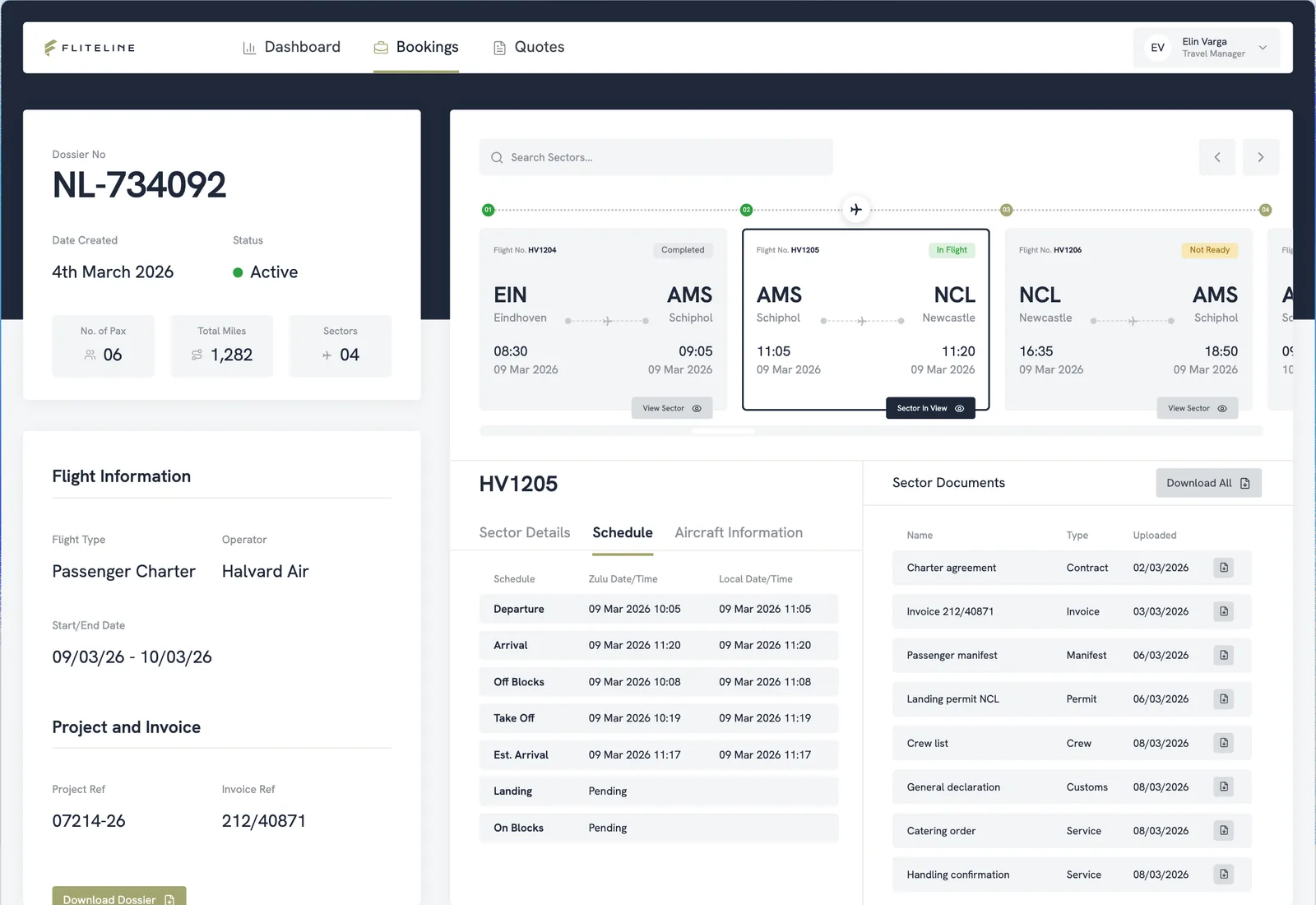
The same booking, today and on the web.
Drag to compare. On the left, the kind of screen a system built up over many years becomes: everything at once, every field the same weight. On the right, the same booking on the web, clear at a glance.
Two screens of one booking: before, a dense grey screen drawn as a wireframe, with a crowded toolbar, a row of tiny tabs, every field the same weight and a cramped grid; after, the web version, with the sectors as a table and the schedule, the aircraft and the handling in their own panels.
How each module moves
Mapped
How the work runs today, read from the FileMaker system and from the people who use it.
Prototyped
The module as screens they can click through, in Fliteline's own design system.
Signed off
Each screen versioned and signed off before it is built, with its own sign-off on who owns which data.
Built
Built on the web against the signed-off screens, with the access rules tested.
Cut over
When every module is ready, the business moves across in one go.
What the rebuild covers so far
The modules in the design review, aviation data first: the reference data every booking depends on.
- Aviation data first: airports, aircraft types and series, countries, time zones and units
- The companies and people Fliteline works with
- Finance, and who can see and change what, each with its own sign-off
- Every screen versioned, with its design and its sign-off on record
- Built with Next.js on Supabase, with maps for airports and routes
- Meanwhile the FileMaker system keeps running and improving, with n8n automations around it
Where it stands
The rebuild is moving module by module, aviation data first, while the FileMaker system keeps running the business until the cut-over.
It is the turn this partnership has been building towards. We started by keeping Fliteline's FileMaker system running, and the knowledge that came from that is what makes rebuilding it safe.
What we used
- FileMakerRuns the business until the cut-over
- Next.jsThe new system
- SupabaseIts database, sign-in and access rules
- n8nAutomations around the FileMaker system meanwhile
- VercelHosting, with a preview of every change